
ShotBreak Studio · For Windows and Mac
A RAW editor youdon’t rent.
Cull a shoot, edit the keepers and export full-size files on your own computer. No subscription, ever.
 Opens the Microsoft Store in a new tab
Studio runs on a Windows PC or a Mac.
Send this page to my computer
Windows 10 or newer · certified by Microsoft, updates itself
Free for good. No account needed to edit.Check your camera first
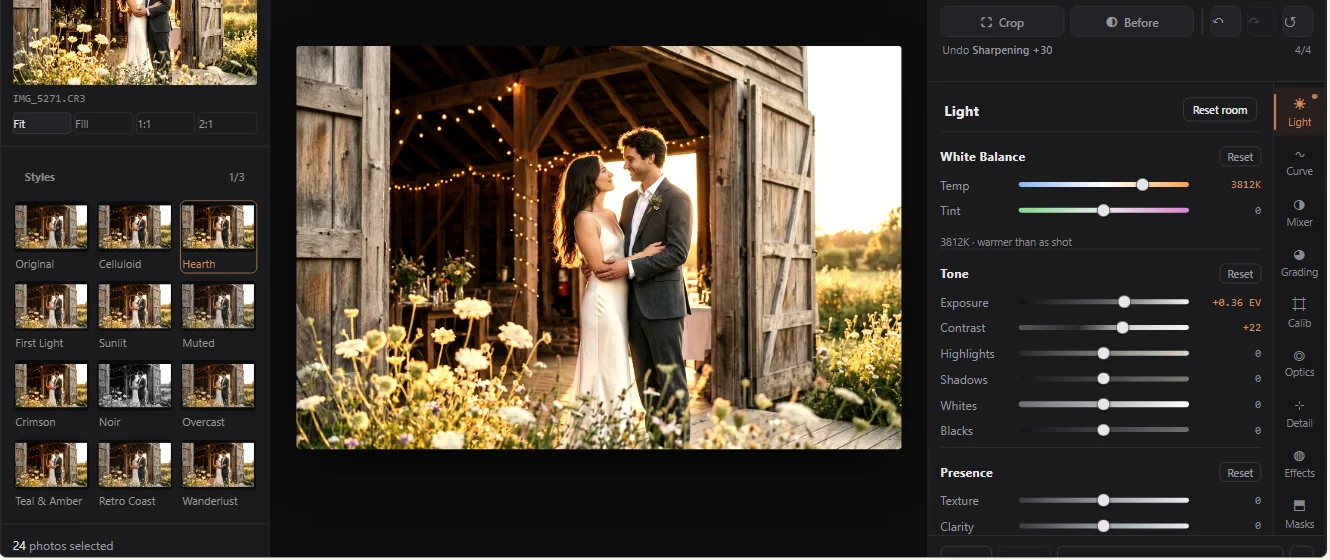
- No watermarks, no export limits, no trial clock
- Lightroom presets come across
- Works offline after first launch
How it works
Open the folder, cull, edit and save. No library to set up.
- 01Open
Point it at the shoot you already have.
Studio reads the folder where it sits on your drive. Your files never move.
- 02Cull
Let Smart Select stack the bursts.
Each burst becomes one stack with its best frame marked. You make every final call.
- 03Edit and save
Edit the keepers, save them anywhere.
Export at full size when you are done. Your RAW files are never changed.
 ★★★★★
 ★★★★☆
 ★★★☆☆
 ★★★★☆
 ★★★★★
 ★★★☆☆
 ★★★★☆
 ★★★★☆

See it work
Type what you want selected. Studio selects it.
The selection is yours to edit, like any other mask. Subject, sky, person, depth, gradient and brush masks are in the same menu.
SampleEach selection is what Studio made from that phrase on this photo.
The rest of the editor
Colour, lens, retouch and looks. All of it included.
- Sample
Colour
Change a colour by dragging on it.
Press on the grass, the sky or a dress and drag up or down. That colour gets stronger or softer, and nothing else changes.
- Sample
Lens
Corrected for your exact lens.
Studio reads the lens from the file. When it has a measured profile for it, distortion, dark corners and colour fringing are corrected for you.
- Sample
Retouch
One dust spot, cleared from the whole shoot.
A speck on the sensor lands in the same place on every frame. Find it once and clear it everywhere.
- Sample
Looks
Built-in looks to start from.
Preview each one on your own photo, then adjust it. Any look can be baked out as a .cube file for Resolve, Premiere or Capture One.
- Sample
Controls
The sliders you already know.
Exposure, white balance, tone curve, colour mixer and colour grading, where you expect to find them.
- Sample
Your files
Edits saved beside your files
Each edit is written to a small XMP file next to the RAW. There is no catalog to keep safe or to get back out of.
Works with your Wi-Fi off after the first launch.
Find your camera
Will it open your files?
Type your camera the way you’d say it. You’ll get a straight answer before you download anything.
The list comes from the RAW engine inside Studio, so it’s the same answer the app gives. Found a file it won’t open? Tell us which camera.
Coming from Lightroom
- Your Lightroom presets (.xmp)
Each one arrives as a style you can preview and adjust. Brushes and gradients inside a preset stay behind, and Studio tells you which.
- Your star ratings
Stars that Lightroom saved to your files show up in Studio. Stars you set in Studio are saved where Lightroom can read them.
- Your .cube looks
Import a single file or a whole pack.
- The edits you already made
These stay in Lightroom. Start new shoots in Studio and leave finished jobs where they are.
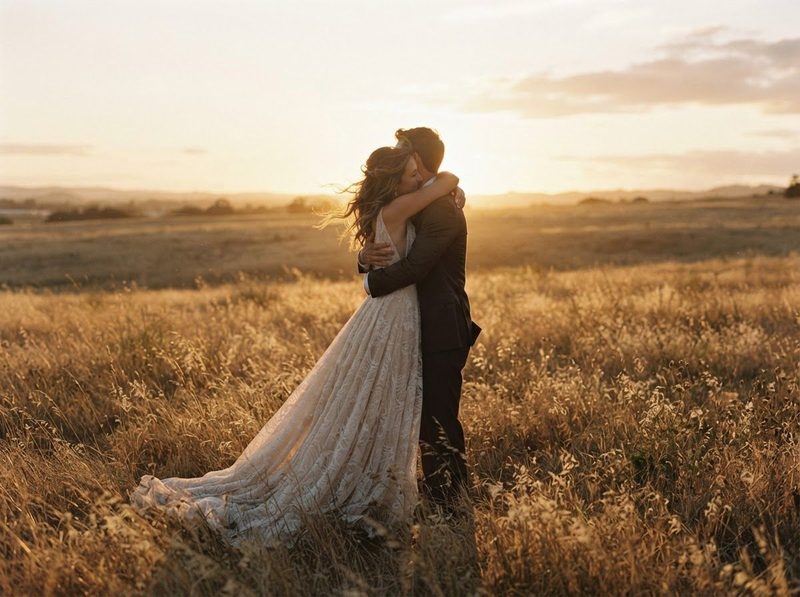

Fotoğraflarınız eğitim verisi değil.Ve asla olmayacaklar.
Asla fotoğraflarınızda eğitildi
Yüklediğiniz her şey, bir çekimden tamamlanmış galeriye kadar kapsanır.
Asla kimseye satılamaz ya da lisanslanamaz
ShotBreak üzerinden teslim ettiğin fotoğraflar sana ait kalır.
Asla gelecek bir güncelleme ile etkinleştirilir
Ayarlar sayfasında gizli bir vazgeçme seçeneği yok. Daha sonra devreye girecek bir madde de yok.
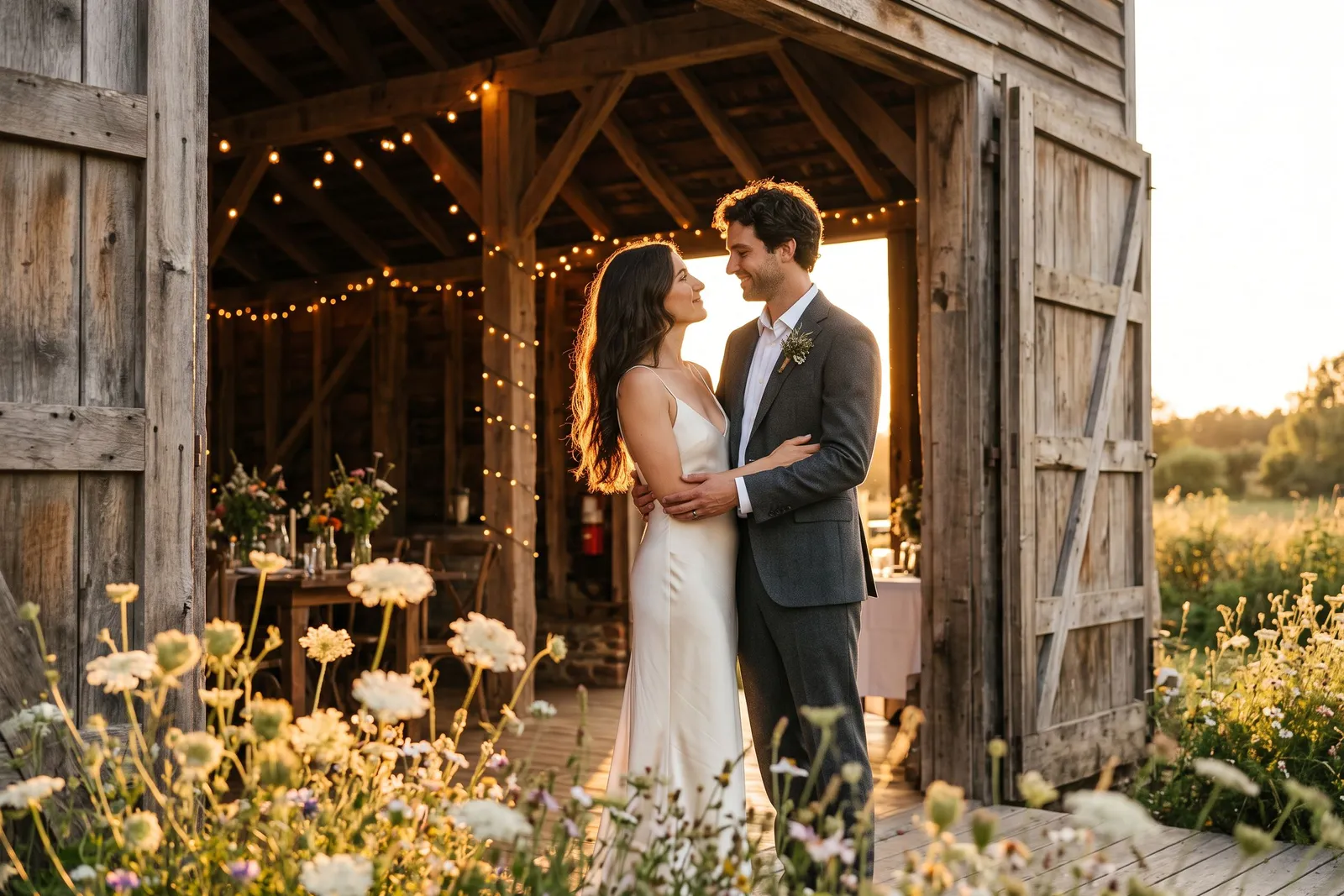
 Fraser & June

Why it’s free
Editing is free. We earn on client galleries.
When a shoot is finished, Studio can send it straight into a ShotBreak client gallery in your brand. That part is paid, and you can start it free. Never use it, and the editor still costs you nothing.
System requirements
What you need to run it.
- OS
- Windows 10 (64-bit) or newer
- CPU
- Any 64-bit x86 CPU · 6 cores recommended
- RAM
- 8 GB minimum · 16 GB recommended
- GPU
- Optional. A DirectX 12 GPU speeds up masking
- Disk
- About 5 GB free once everything has landed
- First launch
- Downloads about 475 MB, then you are editing. The rest arrives in the background while you work, and the finer selection and retouch tools show up as they land.
RAW development runs on the darktable engine.
Sorular
Sorular
insanların sorduğu.
Yes, and it stays free. We make money when you deliver client galleries through ShotBreak. The editor has nothing to buy inside it.
Yes. Studio is for anyone with RAW files, whether you shoot for clients or for yourself. You don’t need a business, clients or a paid plan, and you never have to sell a photo. Editing in Studio uses nothing on a ShotBreak account, because it all runs on your own computer.
No. Download it and start editing. You only sign in the first time you send photos to a client gallery.
Only the first time you open it, to pull down the develop engine and the on-device models. After that it runs with your Wi-Fi off. Block it in your firewall if you want to prove it.
No. Most of what ships with Studio finds things. Where the sky is, where a face is, what is near and what is far. It hands you a selection and you make the edit. The one place anything is created is Remove, and it only fills the gap you made, using that same photograph.
Search your body in Find your camera above. We list what we have tested, and what the decoder supports but we haven’t tested ourselves.
Your RAW files never move. Studio reads them where they sit on your drive and writes its edits to an XMP sidecar next to each file, not into a catalog you would have to get back out of. Your presets come across. The honest cost is the work you already did on past photos, which stays in Lightroom. Most photographers switch on new work and leave finished jobs where they are.
Yes. Studio reads Lightroom preset .xmp files and translates each one onto its own controls, so it arrives as a style you can preview on your photo and adjust. Tone, colour, curves and HSL come across. Brushes and gradients do not, and Studio names what a preset left behind instead of quietly changing it. You can import .cube looks too, single files or a whole pack, and bake any look back out as a .cube for Resolve, Premiere or Capture One.
On Windows, Windows 10 (64-bit) or newer. On a Mac, macOS 12 or newer, on Apple Silicon or Intel; one download installs the right build. 8 GB of memory (16 GB recommended) and about 5 GB free once everything has landed. A graphics card is optional and speeds up masking.
Hayır. Şimdi değil, sonra da değil. Fotoğrafların eğitim verisi değildir ve şartlarımız bunu belirtiyor.
Tam sözü okuAl akşamlarını geri.
Sort the bursts, edit the keepers and save them wherever you want. Free, on your own computer.